

Microsoft Access Database Solutions & Development
Custom Microsoft Access solutions for small to mid-size companies, built by a team with 20+ years of hands-on Access experience.
Most companies, big or small, accumulate large amounts of data spread across non-integrated applications. That data can be managed far more effectively once it's properly structured, extracted, and analyzed. We build solutions tailored specifically to you and your business.
We use Microsoft Access to complement your existing systems and fill the gaps — integrating data from disparate applications and giving you a completely customized solution for a fraction of the cost of off-the-shelf software.
With over 20 years of hands-on Microsoft Access experience, the level of service we provide is unmatched — from a database built from scratch to extending one that's outgrown its original purpose, and on to a full web-app conversion when you're ready.

How we can help
Creation & design
A well-designed database built from scratch — disciplined, accurate, and efficient — that turns scattered information into a valuable resource.
Modifications
Update and extend an existing database so it keeps pace with your changing data and stays reliable.
Access to web app conversions
Move an Access database that's outgrown its purpose to a modern, multi-user, mobile-friendly web app — same logic, accessible anywhere.
Backend cloud conversions
Move your tables to a cloud back-end while keeping the Access front-end your team already knows.
Reporting & data analysis
Custom reports and queries that condense your data, surface trends, and simplify decision-making.
SharePoint & Power Apps conversions
Convert Access to a collaborative SharePoint platform or a Power Apps build for rapid, low-code application development.
Database design done right
A good database is crucial to any organization, and an effective, accurate, efficient database is only as good as its design — which is mastered through training and experience. We create, build, and design databases from scratch, reducing the time you spend managing data, promoting a disciplined approach, and turning disparate information into a valuable, consistent resource.
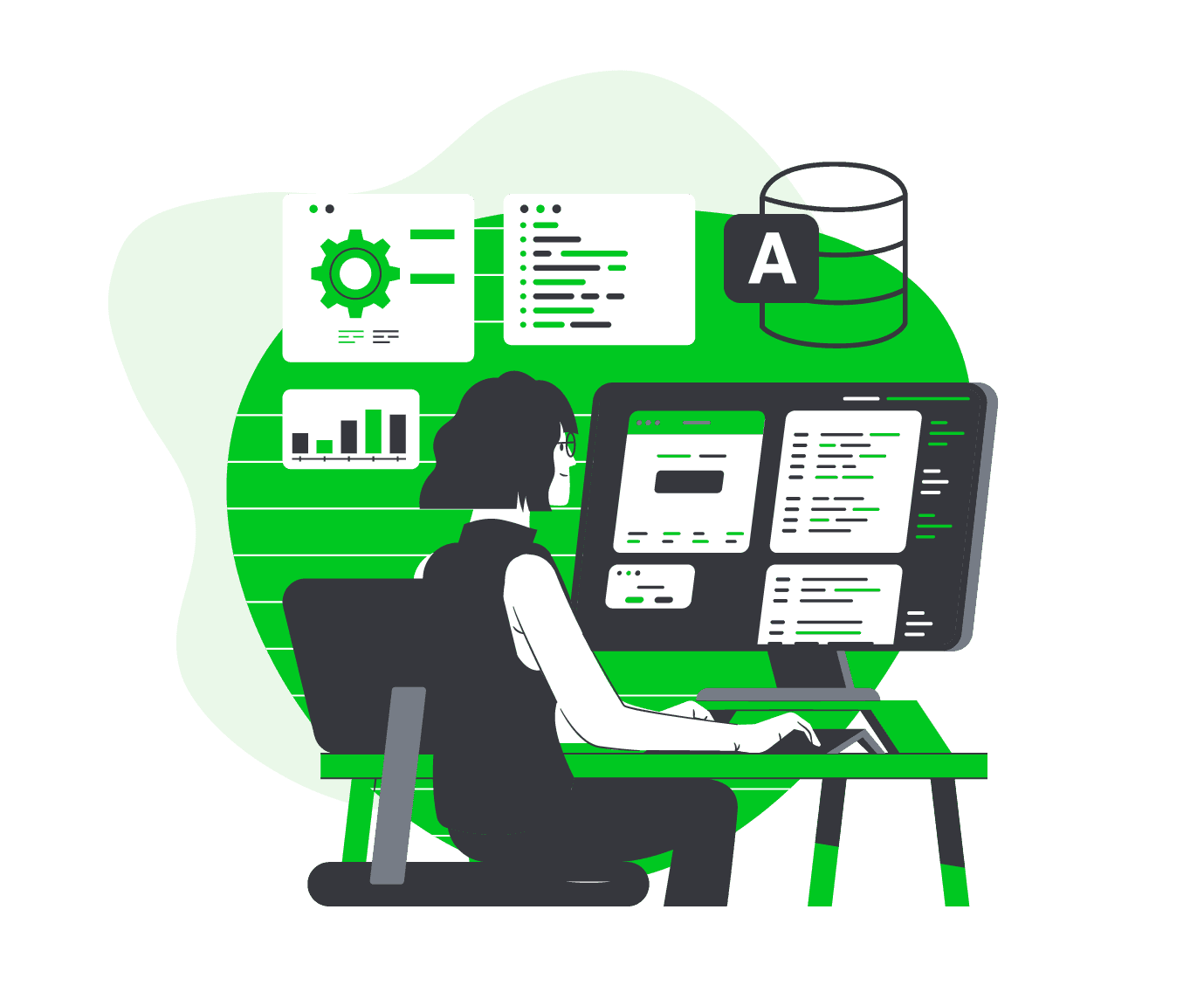
Keeping your database current
When an organization's data requirements change, the database that stores and manages that data has to change with them. If the data isn't reliable or up to date, it threatens the credibility of the business — so we modify and extend your existing database to reflect your new and improved data collection.
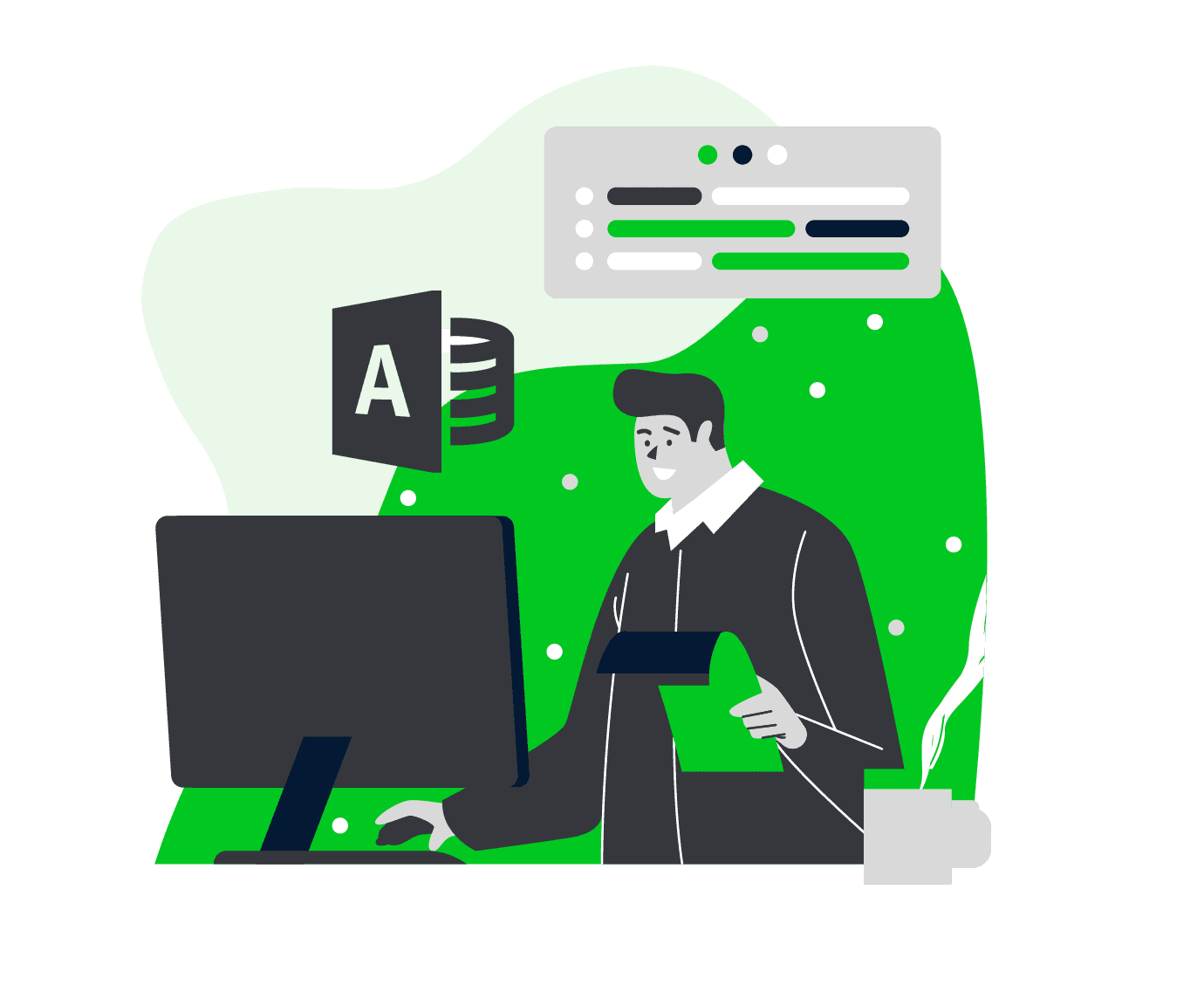
Excel to Access conversions
A spreadsheet is a great tool for small sets of information, but it becomes problematic as data grows and evolves. Microsoft Access is a relational database that helps you store information for reference, reporting, and analysis — overcoming the limits of Excel with better consistency, multi-user support, and a more seamless data-management experience.
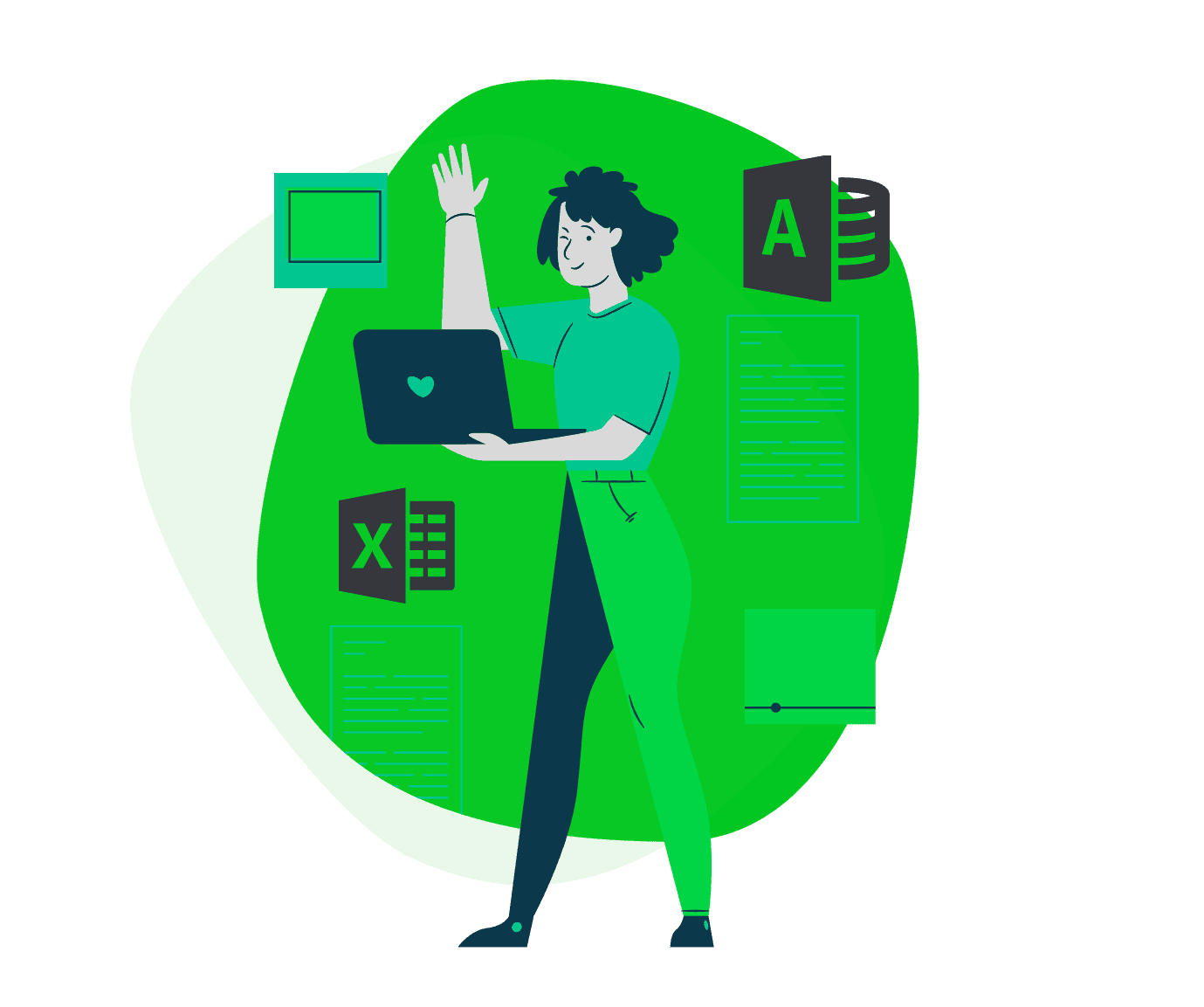
Microsoft Access database development for your business
Whether you need a new Microsoft Access database built from the ground up or an existing one extended, secured, and cleaned up, our Access database development is shaped around your data and your workflow — not a template. Two decades of hands-on Access work means we know where these databases tend to break as they grow, and we build yours to avoid it: the right structure, the right relationships, and a clear path to the cloud or a web app whenever you're ready for it.
What a Microsoft Access software solution actually includes
"Access software solutions" can mean very different things depending on where your business is straining, so we scope each one to the problem in front of you rather than a fixed package. For some companies that's a well-structured database and a clean set of forms and reports; for others it's securing and stabilizing a system that's grown fragile, connecting Access to the other tools you already run, or moving the backend to the cloud so more people can use it at once. The common thread is a solution built around your actual data and workflow — one that reduces manual re-keying, keeps a single source of truth, and has a clear upgrade path to a multi-user web app when you outgrow the desktop.
Explore the cluster
More from the blog
Turn risky Access databases and sprawling Excel spreadsheets into secure, custom web apps.
June 30, 2026
Is Microsoft Access Being Discontinued? What It Means for Your Business
Short answer: no. But if your business now depends on an Access database, the more useful question is whether Access is still the right home for it. Is Microsof…
Read more →
June 24, 2026
Microsoft Access and HIPAA: The Honest Compliance Reality
This article is educational information, not legal or compliance advice. HIPAA compliance depends on your specific systems, data, workflows, and risk assessment…
Read more →
June 22, 2026
Access Security, Auditing & Backups: What Access Can (and Can't) Do
Security, auditing, and backups are where Access's age shows most plainly. None of what follows means Access is unsafe to use — it means its built-in tools were…
Read more →Explore the full Access library
Microsoft Access built your business — until it started holding it back: locked to one PC, no safe multi-user access, and one corruption away from downtime. YittBox turns your existing Access database into a secure, multi-user web app you reach from any browser, without losing your data or your workflows. Below is our complete Access library — from the fundamentals to migration, performance, security, and the real cost and timeline of going web.
Companies we've worked with
 UPA Diesel
 Nikz Nacks
 Rack N' Action
 Fahrenheit Heating & Air
 AMC 4000 Footer Club
 Brass Armadillo Antique Malls
 Ricky Rescue
 1128 Capital
 VALLEY CAR GROUP
 GUIDELINE TEMPLATES
 ADVANCED CRM SOLUTIONS
 WAVERITAS
 BATES CUSTOM STONE
 SOUTHERN MISFITS OFF-ROADING
 TOP TOYS THIS YEAR
 PANN TV
 Media Choice
 M&A Associates
Frequently asked
How much does a Microsoft Access solution cost?
Every Access project — a new database, a fix to an existing one, or a full web-app conversion — is custom-quoted to its scope, so there's no flat price. A free, no-call review gets you a tailored estimate, typically well below off-the-shelf software for the same capability.
How long does an Access project take?
A targeted modification is often a few days to a couple of weeks; a database built from scratch or a web-app conversion takes longer. Your estimate includes a clear timeline.
Can you convert my Access database into a web app?
Yes — moving Access databases into modern, multi-user web apps is one of our specialties, so your data leaves the single-user file behind and becomes accessible from any browser without losing what you've built.
My Access database is slow or keeps corrupting — can you fix it?
Almost always. Locking, corruption, and slowness usually mean the database has outgrown a file-based backend; we stabilize it or move it to a proper cloud database so it's fast and reliable again.
What are good alternatives to Microsoft Access?
Depends on what's failing. Microsoft's own no-code pick is Power Apps; Airtable, Caspio, Knack, and Quickbase are the other common no-code/low-code routes, each with its own pricing model and ceiling. Once a team has outgrown what any no-code platform can flex to, a custom web app — what we build — removes the platform ceiling instead of trading one limit for a different one.
Were Microsoft Access web apps discontinued?
Yes, but only the browser-based version. Microsoft stopped new Access web apps and web databases in SharePoint Online in June 2017 and shut down the remaining ones by April 2018, recommending Power Apps as the replacement. Desktop Access — the .accdb app most people mean — was not affected and is still included in Microsoft 365 Business Standard/Premium today.
Is there a built-in Microsoft Access alternative in Office 365?
Desktop Access itself ships with Microsoft 365 Business Standard/Premium and the Apps for Business/Enterprise plans (Windows only — there's no browser or Mac version). For a browser-based alternative, Microsoft bundles Power Apps into many of the same plans; it's a genuine option for simple internal tools, though it hits its own ceiling once a workflow gets complex or a team wants to own the resulting app outright.
Can Microsoft Access be hosted on the web?
Not natively — there's no browser-hosted version of Access today. What we build instead is a real web-hosted application: your Access data and forms rebuilt as a multi-user app your team reaches from any browser, hosted on a proper cloud database rather than a single-user file.
Most software projects land in the low-to-mid five figures and typically pay for themselves within about four months. You get a fixed quote you approve up front (no surprises), billed by milestone — or monthly for ongoing work.
Our promise to you
Fixed up-front quote
Approve the price before any work starts — no surprise bills.
You own everything
You own 100% of your code and data. No lock-in.
We work until it's right
We keep at it until it does what we agreed on.
Free review, no commitment
Get a real answer with no call and no obligation.
Worried about handing over your data? See how we keep it safe →
Led by Joe & Holly, Managing Partners — meet the team →
Outgrowing your spreadsheets or an old Access database?
Tell us what you're working with and we'll scope a tailored Access solution and get back to you.
Get a Free System ReviewNot sure what to expect? See how it works →
Related services
Microsoft Access Consultants & Experts
Hire an experienced Microsoft Access consultant to build, repair, or convert your database to a web app.
Learn more →Microsoft Excel Solutions
Experts in every facet of MS Excel — we put those skills to work to increase your productivity and efficiency.
Learn more →Convert Access/Excel to a Web App
Move your Access database or Excel spreadsheet to a modern, multi-user, mobile-friendly web app.
Learn more →